
Your competitive audit now writes its own work orders
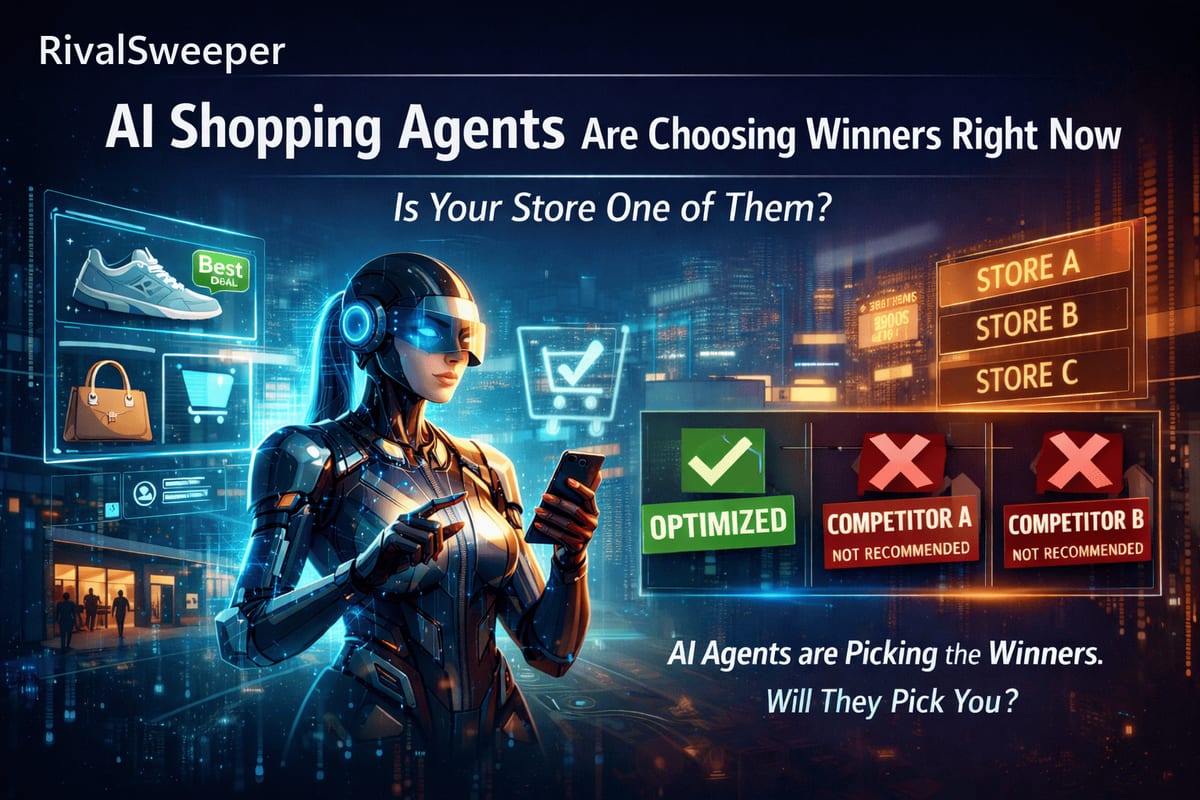
Every audit tool has the same dirty secret: the report is where the work starts, not where it ends. We score your AI readiness, we hand you a launch checklist, and then someone on your team has to turn each finding into a ticket, brief a developer, and hope nothing gets lost in translation. We just removed that step.
1. The gap between knowing and fixing
An Agent Readiness Score tells you where your store loses points with AI shopping agents. A Go-Live checklist tells you what a new brand must ship before launch. Both are useful. Neither one moves your score by itself.
In practice, the finding sits in the report until a marketer writes it up, a developer picks it up, and the context survives two handoffs. For small teams the handoff often never happens at all - the founder reads "add Product schema to your catalog pages," has no developer to hand it to, and moves on.
2. What we shipped: two buttons on every action item

Every parameter and action item in the AI Readiness report, and every task on the Go-Live checklist, now has two buttons.
"Ask Claude" opens claude.ai in a new tab with the whole task pre-briefed. Not a generic "help me with SEO" prompt - the brief includes your domain, the specific parameter, your current score against the maximum, the fix steps we already know work, and a request to explain the change both technically and commercially. You read it, you hit send, you get a plan.
"Copy Prompt for Claude Code" is for when you want the change made, not explained. It copies the same brief plus an instruction set for Claude Code or Claude Desktop: inspect the relevant files in your site's codebase, make the change, summarize what changed and how to test it. Paste it, review what Claude proposes, ship.
3. What's actually in the prompt
We're not hiding the ball here. Each prompt contains:
- Your domain and the exact parameter or checklist item
- Your current score for that parameter versus the maximum
- The fix steps and reference documentation we'd give you anyway
- A framing request: explain the implementation and the commercial impact, then verify the result
That context is the difference between an AI giving you a Wikipedia answer and an AI giving you a work order for your site.
4. The part we care about most: you no longer need to be technical
Here is the change we think matters more than the buttons. The person who reads the report can now be the person who gets the fix done.
Structured data. Robots rules. Meta tags. Schema markup on product pages. This is the work that decides whether AI assistants can read your store, and until now it lived behind a wall: open a ticket, wait for developer time, explain what "JSON-LD" means, hope it comes back right. Founders and marketers could see the problem and could not touch it.
With a pre-briefed prompt, that wall drops. A founder with no developer on staff pastes the Claude Code prompt and reviews a concrete proposed change instead of a blank editor. A marketer opens the task in Claude and gets the fix explained in commercial terms they can act on or forward. People are handling work they could never have done before - and the technical translation is no longer their job.
The honest caveat: review before you run. Claude proposes, you approve. We say the same thing inside the product, and it applies double when the change touches your live store.
5. How it works, end to end
- Open your AI Readiness report or Go-Live checklist in RivalSweeper.
- Pick an action item. Each one already shows what to change and why it matters.
- Click "Ask Claude" to open the task in claude.ai, pre-briefed. Or click "Copy Prompt for Claude Code" and paste it into Claude Code on your machine.
- Review what Claude proposes, apply it, then re-run your report and watch the score move.
6. The honest fine print
You need your own Claude account; the "Ask Claude" link prefills the conversation, and nothing sends without you. The Claude Code prompt is a clipboard copy, because desktop apps don't take deep links reliably. This is not an Anthropic integration or partnership - it works through a standard link and your clipboard, and no data flows between the platforms. The prompts are plain text, so they also work pasted into any other AI assistant.
7. Why we built it
RivalSweeper already tells you how ready your site is for AI search, across six signals, every day. But a score you can't act on is trivia. Now the same report that finds the gap hands your team - or your AI assistant - everything needed to close it. We think that loop, measure then fix then re-measure, is what competitive intelligence should look like in 2026.
See the full mechanics on the Works with Claude feature page, start by checking where you stand with the Agent Readiness Score, or connect your AI assistant directly to live competitor data via the RivalSweeper MCP.
RivalSweeper Briefings
Get our competitive-intel briefings
What is changing in ecommerce pricing, catalogs, and AI visibility, and what to do about it. A short read, no fluff.
Want us to run this on your store? Book 15 minutes.